

01
Start With a Motion Template
Choose ready-made animations that turn static work into engaging motion.
 mkclip
Design showcase video maker
Create polished showcase videos from screenshots, UI designs and images with ready-made motion templates. Customize in your browser and export to MP4 or WebM.
Your work is already finished. Choose a motion template, add your screenshots, adjust the details and export a showcase video in your browser.
Choose ready-made animations that turn static work into engaging motion.
Bring UI screens, product visuals, photography or design work into an animated composition.
Adjust timing, scale, spacing, background and the controls available in each template.
Export MP4 or WebM in landscape, square or vertical formats. Sign in for free 720p exports; Pro unlocks higher resolutions on supported devices.
Focus on expression. Give every image a moment of its own.

Try a motion from the library on the left.
264 motion templates · Images stay local · MP4 / WebM
Explore ready-made motion for design showcases, portfolios, product launches and social posts.
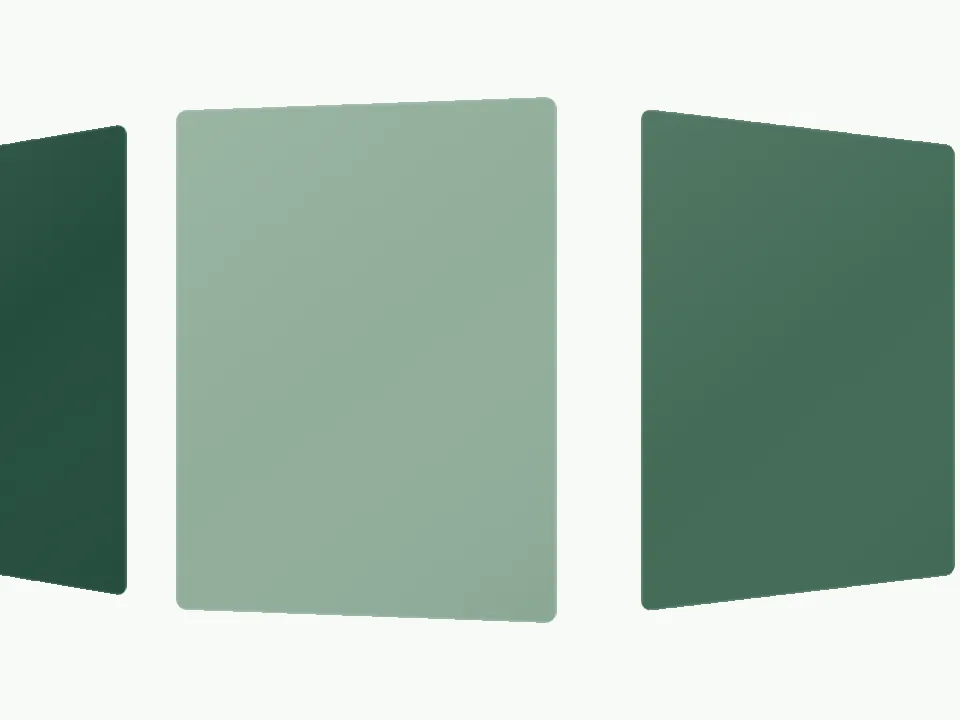
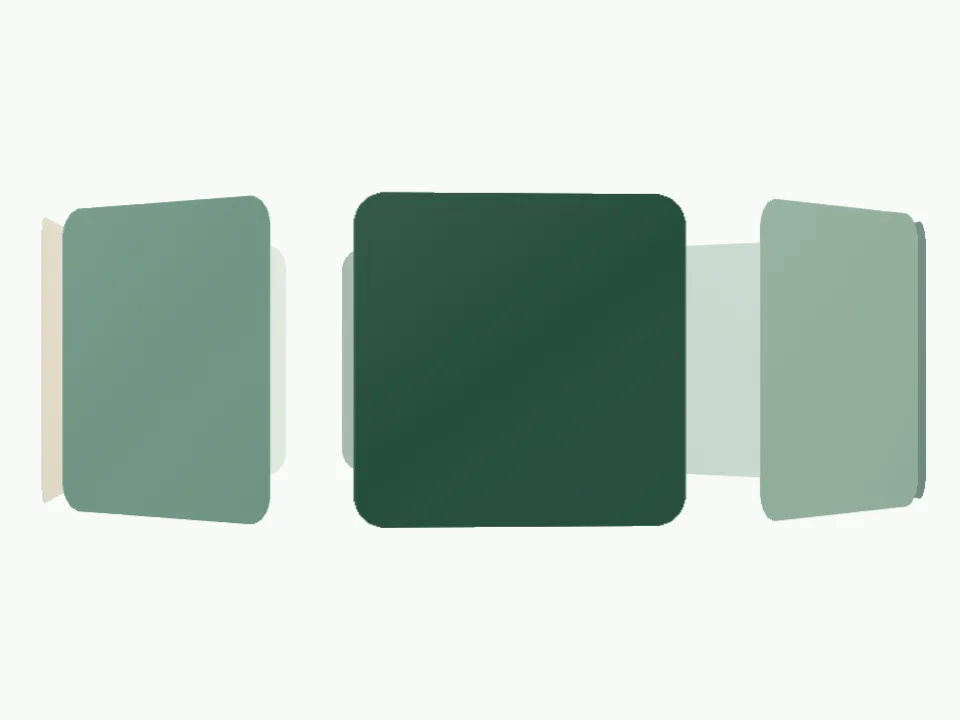
Start with what you want to present. Find examples and motion templates for your next project.
Turn screenshots, UI designs and product visuals into polished animated mockups with ready-made motion templates. Add your work, customize the motion and export.
Turn app screens, website pages and product screenshots into a video with ready-made motion. Keep the original design intact while the template handles the movement.
Turn your app screens into smooth motion videos for launches, portfolios, product pages and social posts. Choose a template, add your screenshots and export.
Present websites, landing pages and web designs with smooth motion templates built for portfolios, launches and social content.
Create smooth UI showcase animations from screenshots and finished interface designs using ready-made motion templates. No keyframing or complicated timeline.
Your editing images are processed locally in your current browser. Choose a template, customize your project and render MP4 or WebM on your own device.
Explore every motion template and find the right expression for your work.
Images and projects stay in this browser. Editing assets are not uploaded.
Create videos locally. Sign in for free exports up to 720p.
Different projects call for different tools. Here is where a focused motion studio fits.
| Workflow | MKClip | Timeline editing | Commissioned production |
|---|---|---|---|
| Getting started | Choose a template and add images | Set up a project and arrange clips | Prepare a brief and agree the scope |
| Motion design | Built into each template | Build timing and transitions yourself | Developed with your collaborator |
| Making changes | Preview directly in the browser | Edit the timeline and preview | Share feedback and review revisions |
| A good fit for | Short films from existing images | Complex edits and custom storytelling | Bespoke campaigns and production |
Start free. Unlock more when you are ready.
All paid plans include full Pro access. Just choose how you pay.
Early bird · future standard price $299
The same creative freedom with monthly, yearly or lifetime access.
Prices in USD, excluding applicable taxes. Sign in for free exports up to 720p; Pro unlocks high-resolution exports, subject to browser and device support.
| Pricing | Free | Monthly | Yearly | Lifetime |
|---|---|---|---|---|
| Templates | Every template | All templates | All templates | All templates |
| Max. export resolution | 720p | Up to 4K | Up to 4K | Up to 4K |
| Export allowance | Unlimited · Up to 720p | Unlimited | Unlimited | Unlimited |
| Formats & aspect ratios | MP4 / WebM · All aspect ratios | MP4 / WebM · all supported ratios | MP4 / WebM · all supported ratios | MP4 / WebM · all supported ratios |
| Access period | Free | While monthly plan is active | While yearly plan is active | Lifetime access |
You can explore every template and use the editor for free. Sign in to export up to 720p for free. Paid plans unlock higher-resolution exports on supported browsers and devices.
No. Motion is built into each template. Add your images, adjust the available settings and preview the result in your browser.
Your editing images are processed locally in your current browser. Accounts, membership checks and payments use online services; your editing assets are not uploaded to a remote editing server.
Create design showcase videos, animated mockups, screenshot videos, UI presentations, app showcases and website showcases from your images.
Export MP4 or WebM in multiple aspect ratios at 30 or 60 FPS. Higher resolutions depend on your plan, browser, device and export size.
Open the editor, search for the template by name and select it. Add your images, customize the settings, then sign in to export. Opening the editor keeps your existing local project.
Choose a motion template, add your designs and turn static work into something worth watching.
Your images stay local. Your ideas go further.