 mkclip
Templates
Film Strip Motion Template
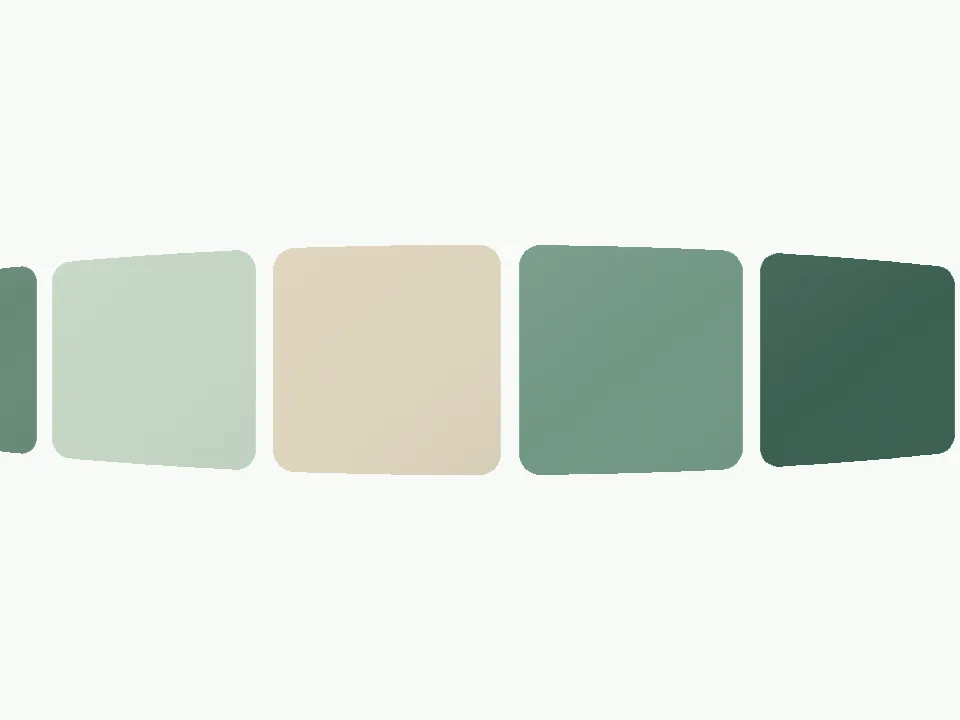
A curved three-dimensional band carries cards through the center of the frame. The bend adds depth while the continuous path keeps the images connected.
Create in the EditorIn the editor, search for this template by name. Your existing local project stays with you.
01 / Best For
Best For
Website collections and image-led product presentations.
Prepare Your Images
Place your main subjects near the middle of each image. The curved edges are better for atmosphere than small text.
02 / Customize This Template
Customize This Template
These controls come from this template’s available settings. Open the editor to adjust them and preview the result.
- Background
- Corner radius
- Easing
- Card size
- Card ratio
- Gap
- 3D curve (out / in)
- Motion
- X
- Y
6 image slots by default
Slots can repeat your images. The editor shows the available image-count controls.
More Motion to Explore
From Finished Work to Finished Video
Choose your motion
Preview a template here, then open the editor and find it by name.
Add your work
Add your screenshots or images and adjust the available template controls. Your images stay in your browser.
Export and share
Sign in to export MP4 or WebM. Free accounts export up to 720p; Pro unlocks higher resolutions on supported devices.
MP4 / WEBM
Ready for Your Next Launch
Export MP4 or WebM with landscape, square or vertical framing, 30 or 60 FPS, and one to four repetitions. Resolution and export size depend on your plan and device.
See export plans ↗A Few Things to Know
Can I try it for free?
All templates and the editor are free to explore. Sign in to export up to 720p for free. Higher-resolution exports require an active paid plan and a supported device.
Where are my images processed?
Your editing images stay in your current browser. Editing and rendering happen on your device; account and export authorization use online services.
Does Open Editor select this template automatically?
The button opens the regular editor and preserves your local project. Search for the template name there and select it before adding or adjusting images.
Give Your Work More Ways to Be Seen
Choose a motion template, add your designs and turn static work into something worth watching.
Open EditorIn the editor, search for this template by name. Your existing local project stays with you.