 mkclip
Templates
Orbit Swap Motion Template
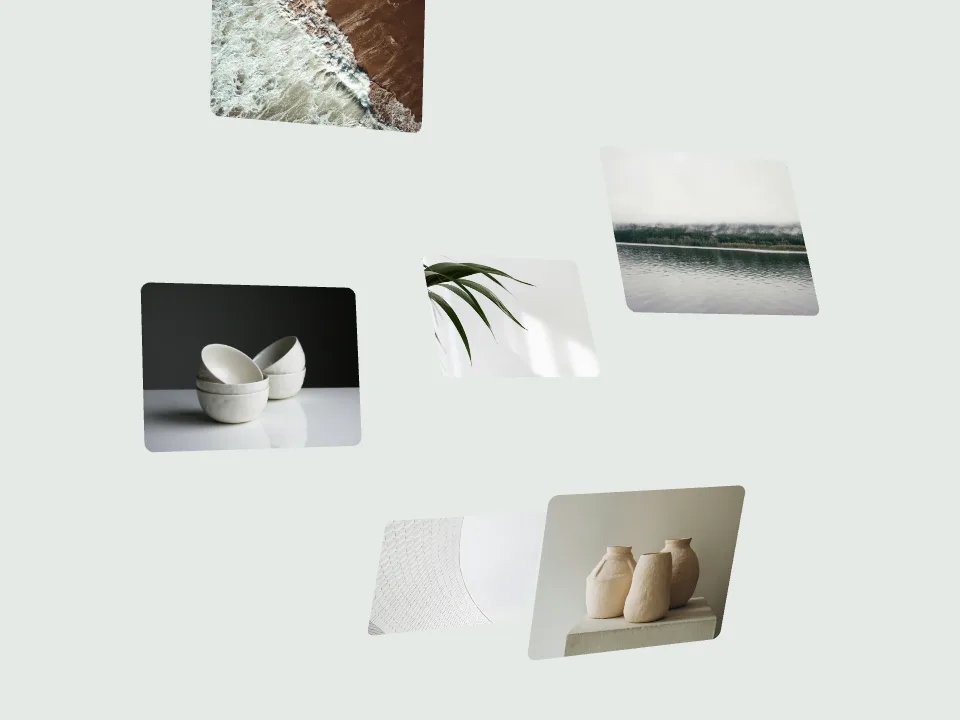
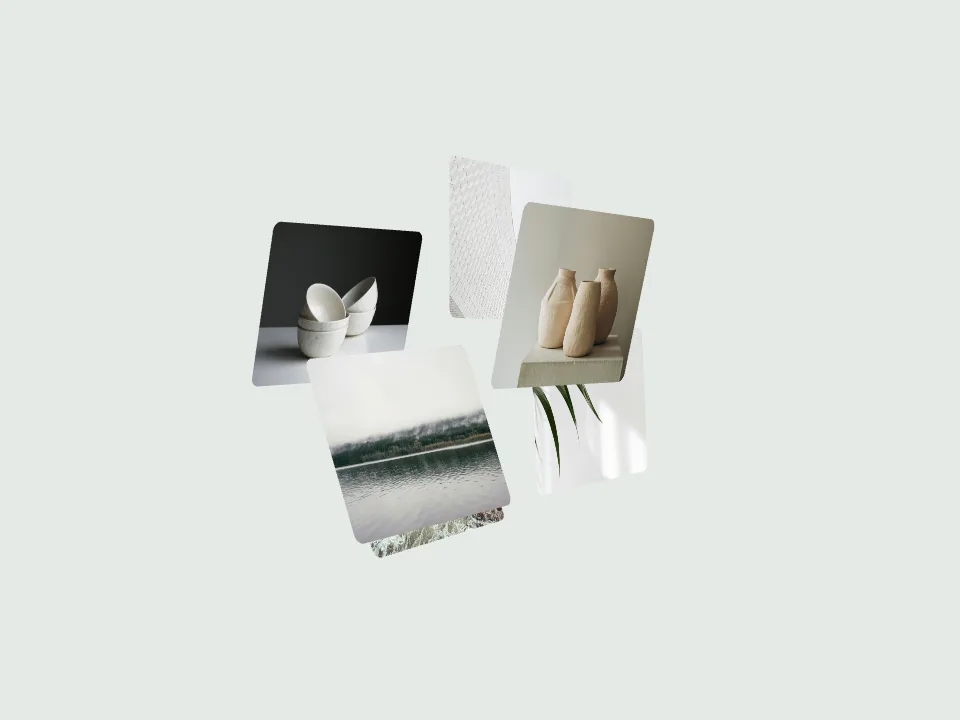
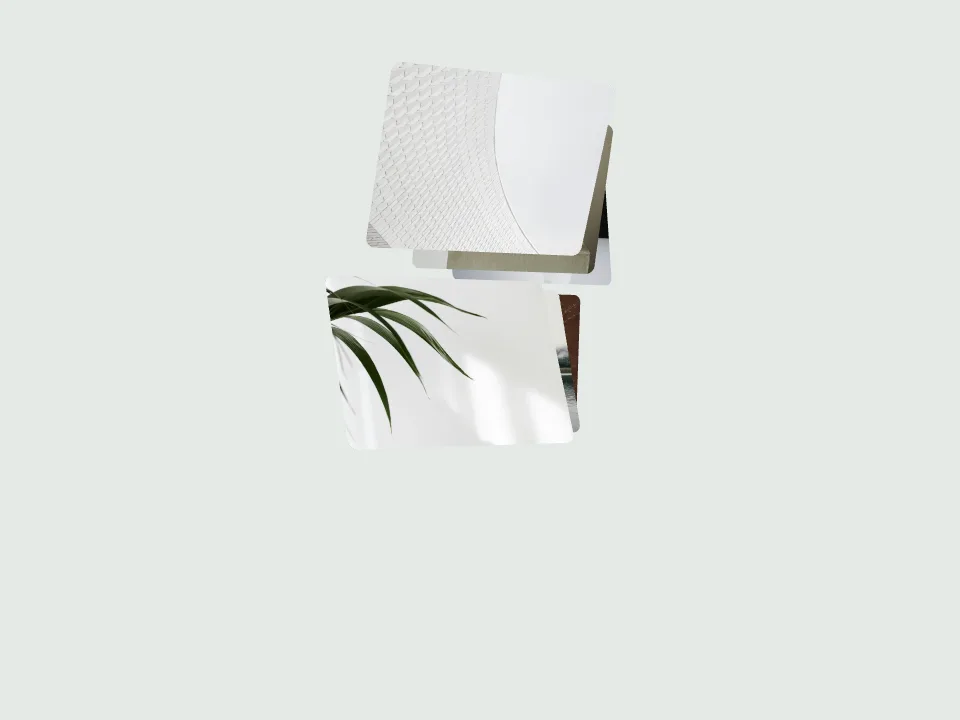
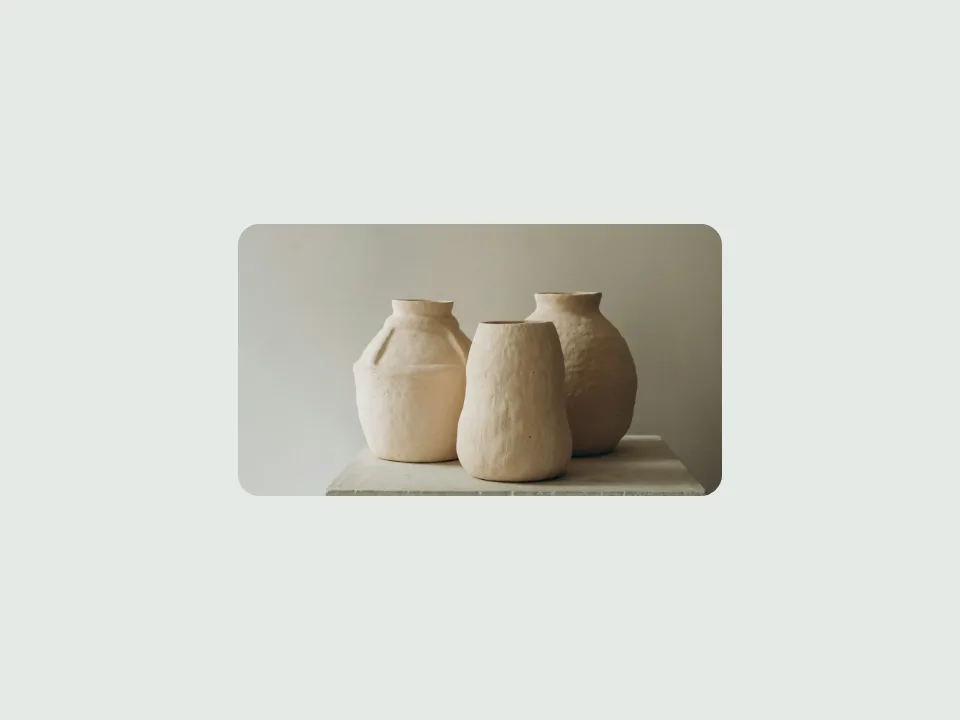
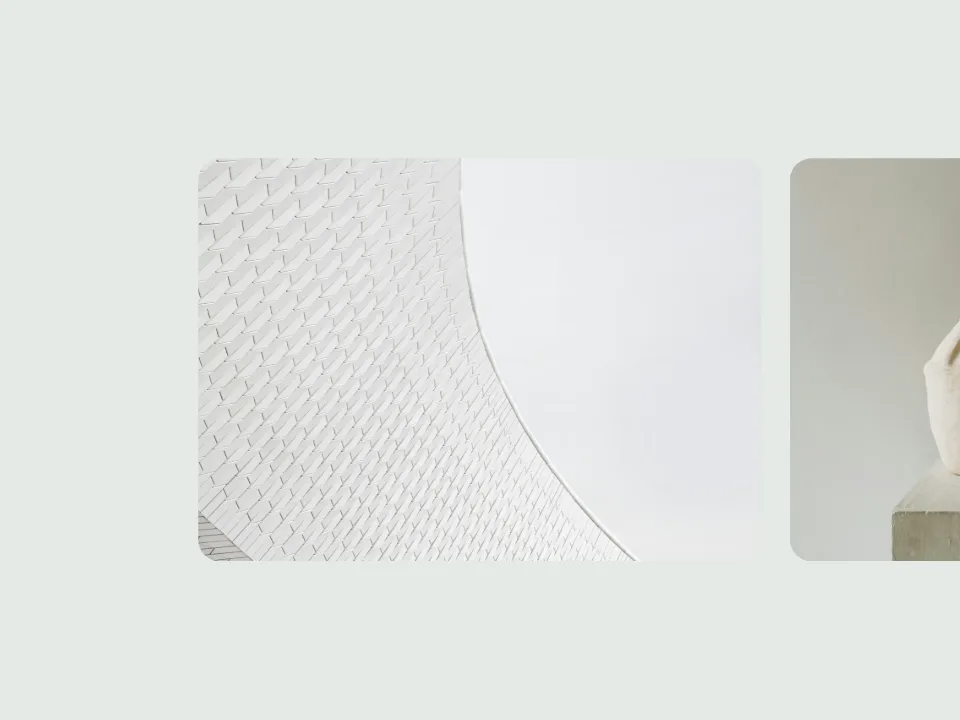
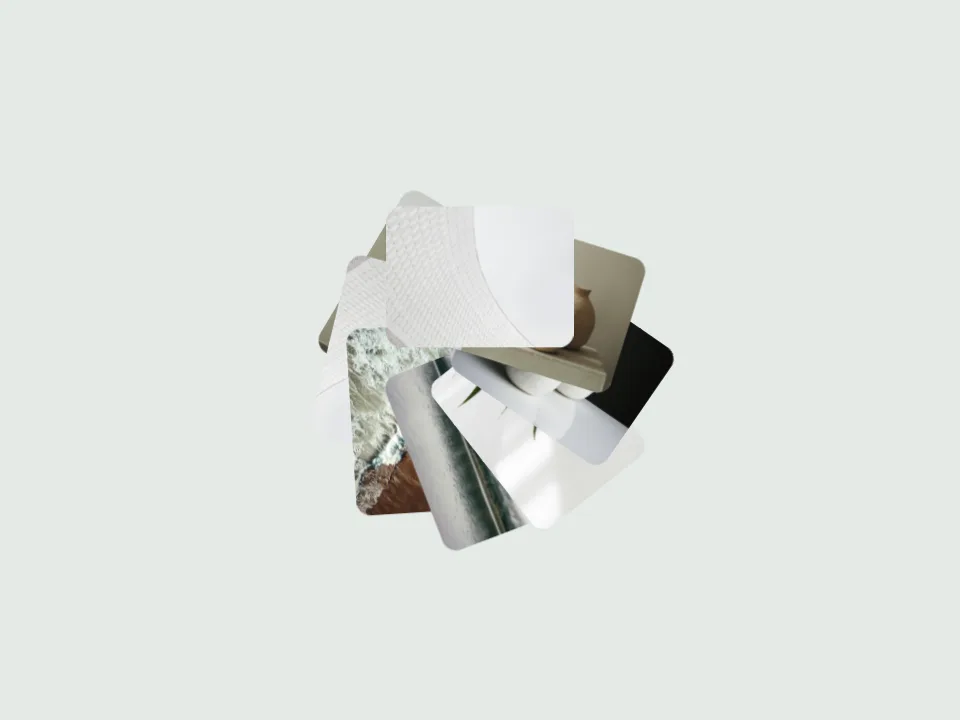
Orbit Swap moves from a full-frame image into a rotating ring of cards, then brings the next image forward to fill the canvas. Each image has a full-frame viewing stage and a spatial transition. Orbit card tilt changes the angle of cards during the ring stage.
Create in the EditorOpen this template in the editor. If you have a different local project, you can choose whether to apply it.
01 / Best For
Best For
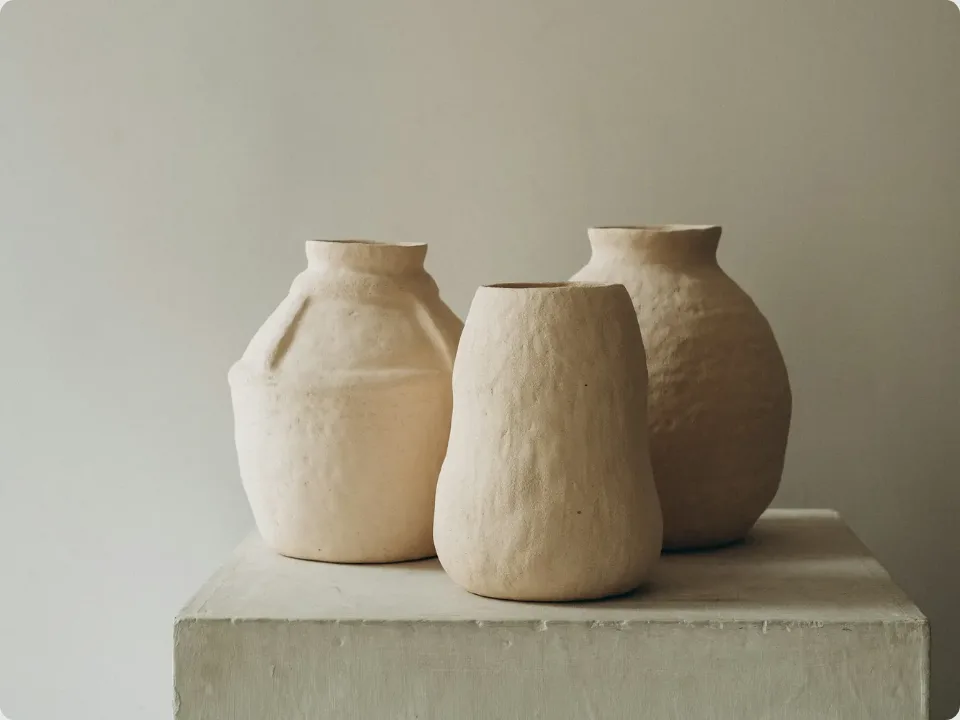
Use it for launch visuals, photography stories and portfolios that alternate close-up views with collection overviews.
Prepare Your Images
Prepare images that work both as small cards and as full-frame compositions. Keep essential content near the centre, and use Show full image when cropping would hide details. Allow enough loop time for each full-frame stage to be read before the next orbit transition.
02 / Customize This Template
Customize This Template
These controls come from this template’s available settings. Open the editor to adjust them and preview the result.
- Background
- Corner radius
- Image fit
- Composition scale
- Motion hold
- Travel direction
- Orbit card tilt
Uses all uploaded images, up to 40. The layout determines how many are visible at once.
Layout slots control the composition. Every uploaded image takes a turn during the full animation loop.
More Motion to Explore
From Finished Work to Finished Video
Choose your motion
Preview a template, then use its editor button to open it. If you have a different saved project, choose whether to apply the template.
Add your work
Add your screenshots or images and adjust the available template controls. Your images stay in your browser.
Export and share
Sign in to export MP4 or WebM. Free accounts export up to 720p; Pro unlocks higher resolutions on supported devices.
MP4 / WEBM
Ready for Your Next Launch
Export MP4 or WebM with landscape, square or vertical framing, 30 or 60 FPS, and one to four repetitions. Resolution and export size depend on your plan and device.
See export plans ↗A Few Things to Know
Can I try it for free?
All templates and the editor are free to explore. Sign in to export up to 720p for free. Higher-resolution exports require an active paid plan and a supported device.
Where are my images processed?
Your editing images stay in your current browser. Editing and rendering happen on your device; account and export authorization use online services.
Does Open Editor select this template automatically?
Yes. A new workspace opens with the selected template. If your saved project uses a different template, we ask before applying it to your images. You can keep your current project instead.
Give Your Work More Ways to Be Seen
Choose a motion template, add your designs and turn static work into something worth watching.
Open EditorOpen this template in the editor. If you have a different local project, you can choose whether to apply it.